

有鑑於星期日分享的親測錶盤大家很捧場,所以吉娜今天又繼續分享自己「小米手環4」裡面的錶盤!記得要用這個方法→「免電腦/免安裝APP 輕鬆添加「小米手環4」錶盤!」來添加錶盤喔!還沒看過之前分享的第一彈可以參考這邊:傳送門!最近使用小米手環4最不習慣的地方就是螢幕顯示方式,因為會休眠,雖然抬腕可以亮屏,但是卻不是很靈敏,對於已經習慣「AMAZFIT 米動手錶 青春版」的螢幕顯示方式,隨時都可以看到時間的便利來說,吉娜表示有小小的不習慣啊!
![[親測] 15款小米手環4 錶盤保證能用,下載後就可立即換上 第二彈-01](http://kkplay3c.net/Gina/mi-smart-band-4/facesx15x2.jpg)
15款「小米手環4」錶盤 保證能用:
1>.錶盤名稱:«Spider-Man-Q-Back-to-school»
MEGA 下載網址:傳送門
Android手機換小米4錶盤教學:https://kkplay3c.net/mi-smart-band-4/
Android手機換小米4錶盤教學[免APP]:https://kkplay3c.net/mi-smart-band-4-faces/

2.>錶盤名稱:«Mario.blink»
MEGA 下載網址:傳送門
Android手機換小米4錶盤教學:https://kkplay3c.net/mi-smart-band-4/
Android手機換小米4錶盤教學[免APP]:https://kkplay3c.net/mi-smart-band-4-faces/

3.>錶盤名稱:«Stitch»
MEGA 下載網址:傳送門
Android手機換小米4錶盤教學:https://kkplay3c.net/mi-smart-band-4/
Android手機換小米4錶盤教學[免APP]:https://kkplay3c.net/mi-smart-band-4-faces/

4.>錶盤名稱:«ONE PIECE-Q»
MEGA 下載網址:傳送門
Android手機換小米4錶盤教學:https://kkplay3c.net/mi-smart-band-4/
Android手機換小米4錶盤教學[免APP]:https://kkplay3c.net/mi-smart-band-4-faces/

5.>錶盤名稱:«mashimaro»
MEGA 下載網址:傳送門
Android手機換小米4錶盤教學:https://kkplay3c.net/mi-smart-band-4/
Android手機換小米4錶盤教學[免APP]:https://kkplay3c.net/mi-smart-band-4-faces/

6.>錶盤名稱:«cheshire cat»
MEGA 下載網址:傳送門
Android手機換小米4錶盤教學:https://kkplay3c.net/mi-smart-band-4/
Android手機換小米4錶盤教學[免APP]:https://kkplay3c.net/mi-smart-band-4-faces/

7.>錶盤名稱:«Portgas D. Ace»
MEGA 下載網址:傳送門
Android手機換小米4錶盤教學:https://kkplay3c.net/mi-smart-band-4/
Android手機換小米4錶盤教學[免APP]:https://kkplay3c.net/mi-smart-band-4-faces/

8.>錶盤名稱:«Pikachu2»
MEGA 下載網址:傳送門
Android手機換小米4錶盤教學:https://kkplay3c.net/mi-smart-band-4/
Android手機換小米4錶盤教學[免APP]:https://kkplay3c.net/mi-smart-band-4-faces/

9.>錶盤名稱:«Son Goku»
MEGA 下載網址:傳送門
Android手機換小米4錶盤教學:https://kkplay3c.net/mi-smart-band-4/
Android手機換小米4錶盤教學[免APP]:https://kkplay3c.net/mi-smart-band-4-faces/

10.>錶盤名稱:«Monkey·D·Luffy»
MEGA 下載網址:傳送門
Android手機換小米4錶盤教學:https://kkplay3c.net/mi-smart-band-4/
Android手機換小米4錶盤教學[免APP]:https://kkplay3c.net/mi-smart-band-4-faces/

11.>錶盤名稱:«New world soro»
MEGA 下載網址:傳送門
Android手機換小米4錶盤教學:https://kkplay3c.net/mi-smart-band-4/
Android手機換小米4錶盤教學[免APP]:https://kkplay3c.net/mi-smart-band-4-faces/

12.>錶盤名稱:«Q»
MEGA 下載網址:傳送門
Android手機換小米4錶盤教學:https://kkplay3c.net/mi-smart-band-4/
Android手機換小米4錶盤教學[免APP]:https://kkplay3c.net/mi-smart-band-4-faces/

13.>錶盤名稱:«Ice Bear»
MEGA 下載網址:傳送門
Android手機換小米4錶盤教學:https://kkplay3c.net/mi-smart-band-4/
Android手機換小米4錶盤教學[免APP]:https://kkplay3c.net/mi-smart-band-4-faces/

14.>錶盤名稱:«robot»
MEGA 下載網址:傳送門
Android手機換小米4錶盤教學:https://kkplay3c.net/mi-smart-band-4/
Android手機換小米4錶盤教學[免APP]:https://kkplay3c.net/mi-smart-band-4-faces/

延伸閱讀:
[親測] 「小米手環4」典藏「卡西歐」錶盤系列 保證能用! [親測]「小米手環4」極簡約超大數字造型錶盤分享!
![[親測]「小米手環4」極簡約超大數字造型錶盤分享!](http://i0.wp.com/kkplay3c.net/wp-content/uploads/Gina/mi-smart-band-4/mb4-big-number-01.jpg) [分享]小米手環4 獨家私藏!不可錯過的精緻錶盤「EVA暴走版」、「白銀羅盤」、「崑崙金橋機械錶」!
[分享]小米手環4 獨家私藏!不可錯過的精緻錶盤「EVA暴走版」、「白銀羅盤」、「崑崙金橋機械錶」!![[分享]小米手環4 「EVA暴走版」、「白銀羅盤」、「崑崙金橋機錶」獨家私藏錶盤!不可錯過!](http://kkplay3c.net/Gina/mi-smart-band-4/mb4-exclusive-01.jpg) [親測] 「小米手環4」典藏設計錶盤系列 保證能用!
[親測] 「小米手環4」典藏設計錶盤系列 保證能用!![[親測] 「小米手環4」典藏設計錶盤系列 保證能用](http://i0.wp.com/kkplay3c.net/wp-content/uploads/Gina/mi-smart-band-4/mb4-fadesign-01.jpg) [親測] 「小米手環4」典藏「卡西歐」錶盤系列 保證能用! 小米手環4「瑪利歐闖關」獨家動態錶盤 (蘑菇、香菇、食人花、鬱金香100%出現)
[親測] 「小米手環4」典藏「卡西歐」錶盤系列 保證能用! 小米手環4「瑪利歐闖關」獨家動態錶盤 (蘑菇、香菇、食人花、鬱金香100%出現)![[分享]小米手環4 「超級瑪莉歐」1版、2版獨家錶盤,支援繁體中文](http://kkplay3c.net/Gina/mi-smart-band-4/super-mario-shaoguan-01.jpg) [親測] 20款「小米手環4」好看到不要不要的「動態錶盤系列」100%保證能用!
[親測] 20款「小米手環4」好看到不要不要的「動態錶盤系列」100%保證能用!![[親測] 20款「小米手環4」動態錶盤系列 保證能用-01](http://kkplay3c.net/Gina/mi-smart-band-4/amazfaces-rawimage-01.jpg) [親測第五彈] 小米手環4 指針系列錶盤保證能用,下載後就可立即換上!
[親測第五彈] 小米手環4 指針系列錶盤保證能用,下載後就可立即換上!![[親測] 15款小米手環4 指針系列錶盤保證能用-第五彈 -01](http://kkplay3c.net/Gina/mi-smart-band-4/facesx15x5-pointer-01.jpg) [體驗]小米手環4 錶盤大本營 錶盤輕鬆一鍵安裝,超多錶盤等你換!(Android)
[體驗]小米手環4 錶盤大本營 錶盤輕鬆一鍵安裝,超多錶盤等你換!(Android)![[體驗]小米手環4 錶盤大本營 錶盤輕鬆一鍵安裝-01](http://kkplay3c.net/Gina/app/AmazFaces-001.jpg) [體驗]小米手環4 地表最無腦換錶盤教學 ,沒有不能換的錶盤,只有喜歡不喜歡!(Android)
[體驗]小米手環4 地表最無腦換錶盤教學 ,沒有不能換的錶盤,只有喜歡不喜歡!(Android)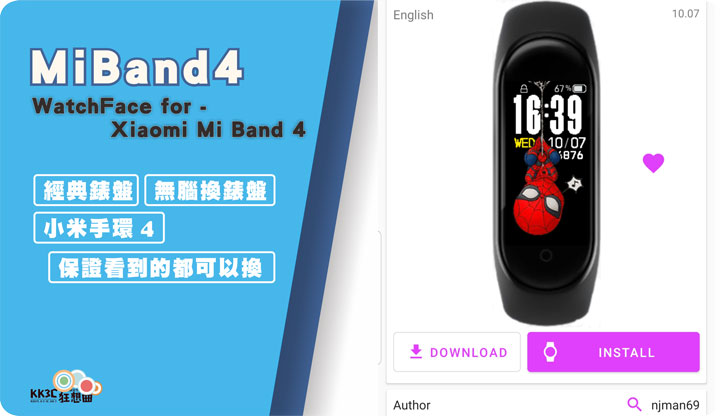 「小米手環4」僅需6分鐘!秒知道「JSON」到底對「錶盤」做了甚麼?
 [免安裝]再一招!「小米手環4」錶盤的背景照片、時間、日期、電量、腳步、心率 怎麼改!怎麼換!?
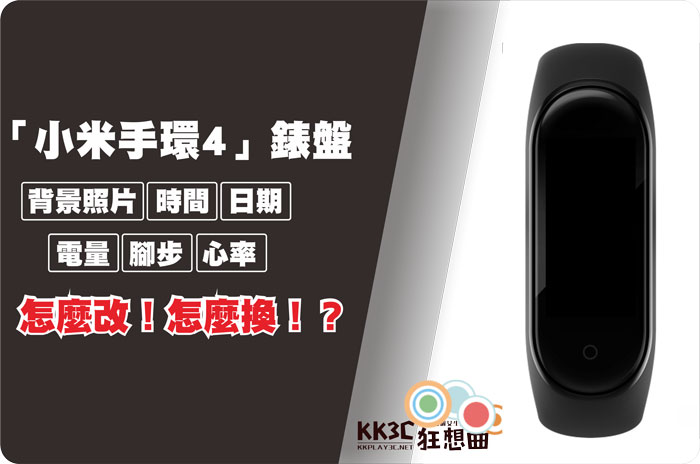 [教學]自製小米手環4 情人錶盤,用男女朋友的照片做錶盤!APP功能再升級,動態錶盤功能上線!
![[教學]自製小米手環4 情人錶盤,用男女朋友的照片做錶盤!APP功能再升級,動態錶盤功能上線!](http://kkplay3c.net/Gina/mi-smart-band-4/band-4-faces-design-01.jpg) 免電腦/免安裝APP 輕鬆添加「小米手環4」錶盤!
免電腦/免安裝APP 輕鬆添加「小米手環4」錶盤!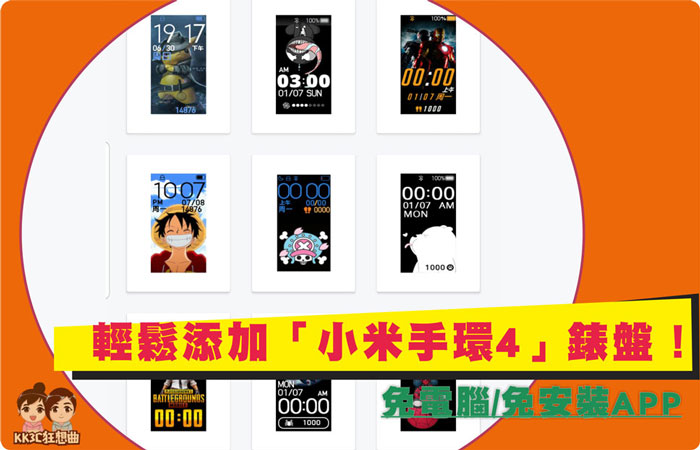 [親測] 15款小米手環4 錶盤保證能用,下載後就可立即換上!
![[親測] 15款小米手環4 錶盤保證能用,下載後就可立即換上-01](http://kkplay3c.net/Gina/other/mi-smart-band-4-facesx15.jpg) [親測第二彈] 15款小米手環4 錶盤保證能用,下載後就可立即換上!
[親測第二彈] 15款小米手環4 錶盤保證能用,下載後就可立即換上! ![[親測] 15款小米手環4 錶盤保證能用,下載後就可立即換上-01](http://i0.wp.com/kkplay3c.net/wp-content/uploads/Gina/mi-smart-band-4/facesx15x2.jpg) [親測第三彈] 15款小米手環4 錶盤保證能用,下載後就可立即換上!
[親測第三彈] 15款小米手環4 錶盤保證能用,下載後就可立即換上! ![[親測] 15款小米手環4 錶盤保證能用,下載後就可立即換上-01](http://i0.wp.com/kkplay3c.net/wp-content/uploads/Gina/mi-smart-band-4/facesx15x3-01.jpg) [親測第四] 15款小米手環4 錶盤保證能用,下載後就可立即換上!
[親測第四] 15款小米手環4 錶盤保證能用,下載後就可立即換上!![[親測] 15款小米手環4 錶盤保證能用,下載後就可立即換上-01](http://i0.wp.com/kkplay3c.net/wp-content/uploads/Gina/mi-smart-band-4/facesx15x4-01.jpg) 3秒快速更換「小米手環4」錶盤-米環4錶盤生成器!
3秒快速更換「小米手環4」錶盤-米環4錶盤生成器!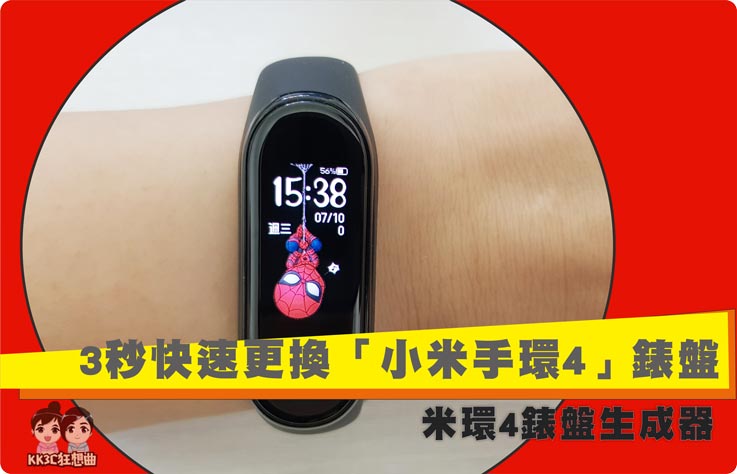 30秒替換米動手錶內建 7 款錶盤 – Amazfit Bip & Cor WatchFacesd
 再一招!Notify & Fitness for Amazfit 搭配 ES檔案瀏覽器,米動手錶青春版換錶盤囉!
 [APP教學] Notify & Fitness for Amazfit 快速讓 Amazfit 米動手錶青春版更換錶盤!


